Recurring Invoice: How to Set Up Automatic Billing for Retainer Clients
Recurring invoice guide: set up weekly, monthly, or annual billing for retainer clients. Includes template, automation setup, and payment reconciliation tips.

What counts as a recurring invoice
Any invoice you send on a fixed schedule — weekly, biweekly, monthly, quarterly, or annually — for the same amount to the same client. Common examples: monthly retainer for a marketing consultant, quarterly hosting invoice for an agency client, annual license fee for a software product.
The two ways to run recurring billing
Manual recurring: you generate and send the invoice on the same day every cycle. Cheap, flexible, easy to adjust — but a single missed month is a real cost. Automated recurring: the tool generates and sends the invoice on schedule. More expensive to set up but essentially error-proof once running.
How to structure the invoice
State the billing period explicitly ('Retainer — March 2026'), the next invoice date, and the payment terms. Use the same invoice number pattern so both parties can quickly reference prior months. A dedicated 'Recurring' template — like the one InvoiceNow ships — includes a 'Next billing' field automatically.
Reconciling payments
Recurring clients often pay in a lump sum or through a standing bank order, which can be hard to match back to individual invoices. Include a payment reference on every invoice ('Ref: RETAINER-MAR26') and ask the client to include it on the bank transfer. Your reconciliation goes from painful to instant.
When to renegotiate
Set a calendar reminder for month 11 to review the retainer rate before the next annual cycle. Retainer rates should adjust with inflation and scope creep at least once a year — waiting until the client asks for a scope change to renegotiate always leaves money on the table.
Put this into practice in 30 seconds.
Open the invoice generator, pick a template, and send a professional invoice — no signup, no limits, free forever.
Create an invoiceKeep reading

How to Write an Invoice: A Step-by-Step Guide for 2026
Every invoice you send is a small legal document and a marketing artifact at the same time. Here's the exact structure that gets paid in seven days instead of forty.
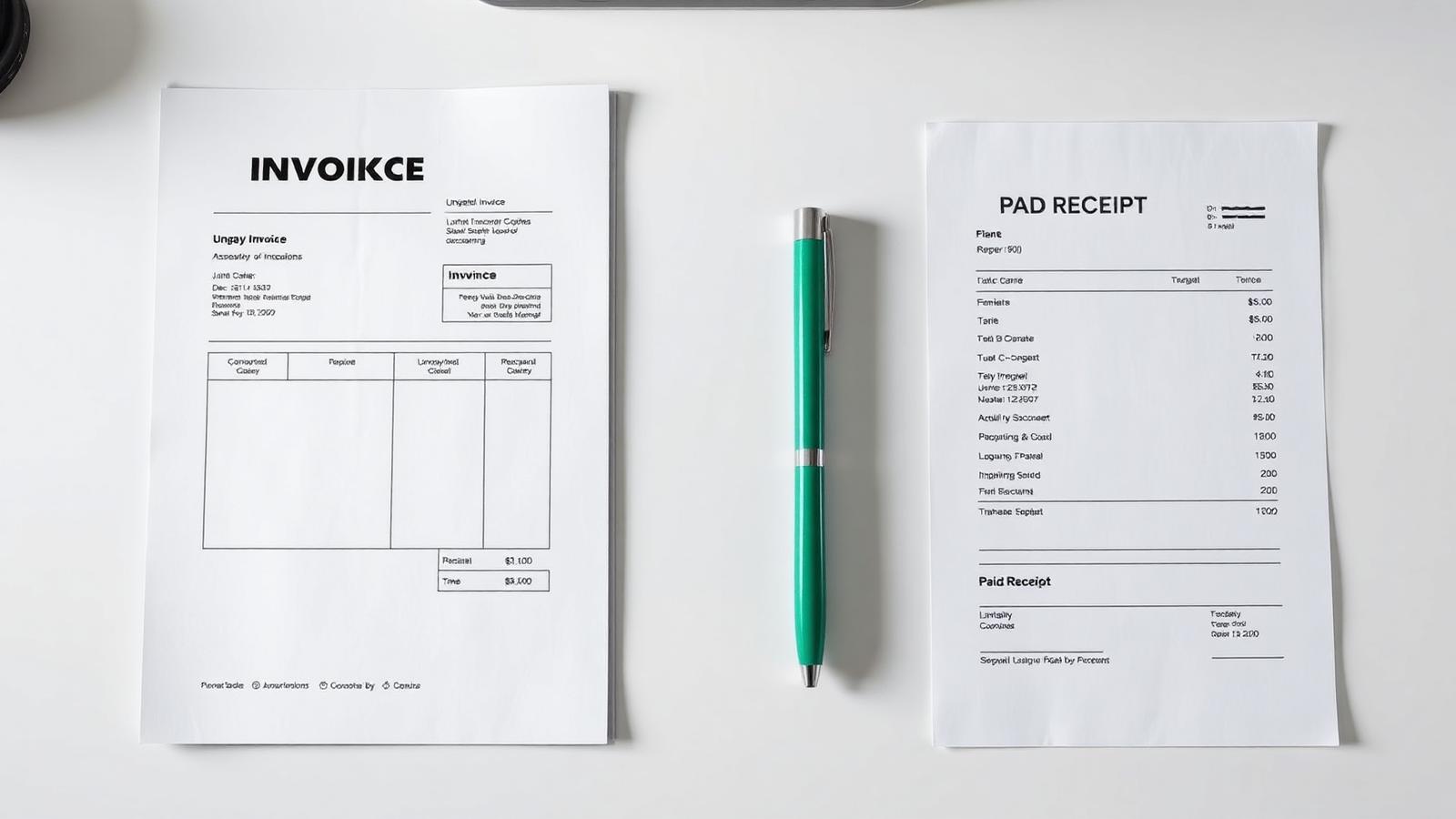
Invoice vs Receipt: The Difference, With Examples
An invoice asks for money; a receipt confirms it arrived. Getting the two mixed up confuses your client, your accountant, and eventually the tax office.

Net 30 Payment Terms Explained: When to Use Them (and When Not To)
'Net 30' is the default nobody chose. Understanding what payment terms actually mean is the fastest way to shorten the gap between finishing work and getting paid.