Invoice Number Format: Best Practices for Sequential, Compliant Numbering
Invoice number format best practices: sequential vs date-based numbering, legal requirements, and how to avoid audit issues. Complete guide for freelancers and small businesses.
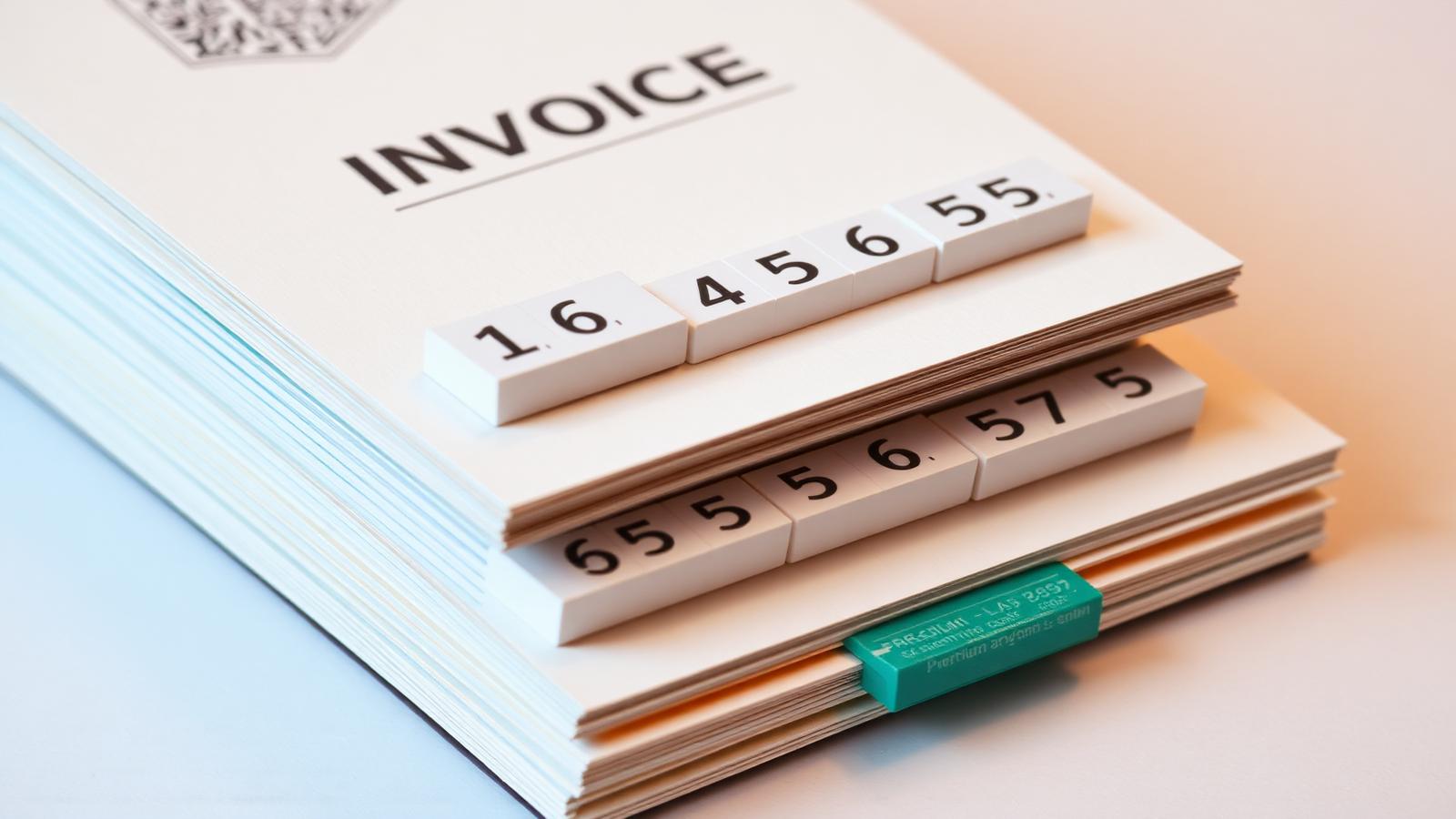
The rule almost every tax authority enforces
Invoice numbers must be sequential and unique — you cannot skip numbers, you cannot reuse them, and gaps in the sequence must be explainable. This is enforced in the EU, the UK, Australia, Canada, and most of Asia. In the US it is best practice but not universally required.
Recommended formats
YYYY-#### (2026-0001) — resets each year, keeps numbers short, easy to reconcile. YYYYMMDD-## (20260114-01) — great for high-volume businesses issuing multiple invoices per day. INV-#### — simplest possible, works for low-volume freelancers. Pick one, document it, and never change formats mid-year.
Formats to avoid
Client-specific prefixes (CLIENTA-001, CLIENTB-001) break the sequential rule almost immediately. Random numbers or UUIDs are unauditable. Date-only formats (20260114) collide if you issue more than one invoice per day. Skipping unlucky numbers (13, 4 in some cultures) creates unexplainable gaps.
Handling cancelled invoices
Never delete a cancelled invoice number — that creates a gap. Instead, issue a credit note referencing the original invoice, or re-issue the invoice with a note that the prior number was cancelled. Keep both on file. This is exactly the situation auditors probe hardest.
Starting mid-year or switching from another system
If you're moving from another system, continue the sequence rather than starting over — 'We previously used INV-0847, our next invoice is INV-0848.' Document the switch in a one-page note kept with your accounting records. If you're starting fresh, begin at 0001 (or 1001 to look more established) on January 1 or your fiscal year start.
Put this into practice in 30 seconds.
Open the invoice generator, pick a template, and send a professional invoice — no signup, no limits, free forever.
Create an invoiceKeep reading

How to Write an Invoice: A Step-by-Step Guide for 2026
Every invoice you send is a small legal document and a marketing artifact at the same time. Here's the exact structure that gets paid in seven days instead of forty.
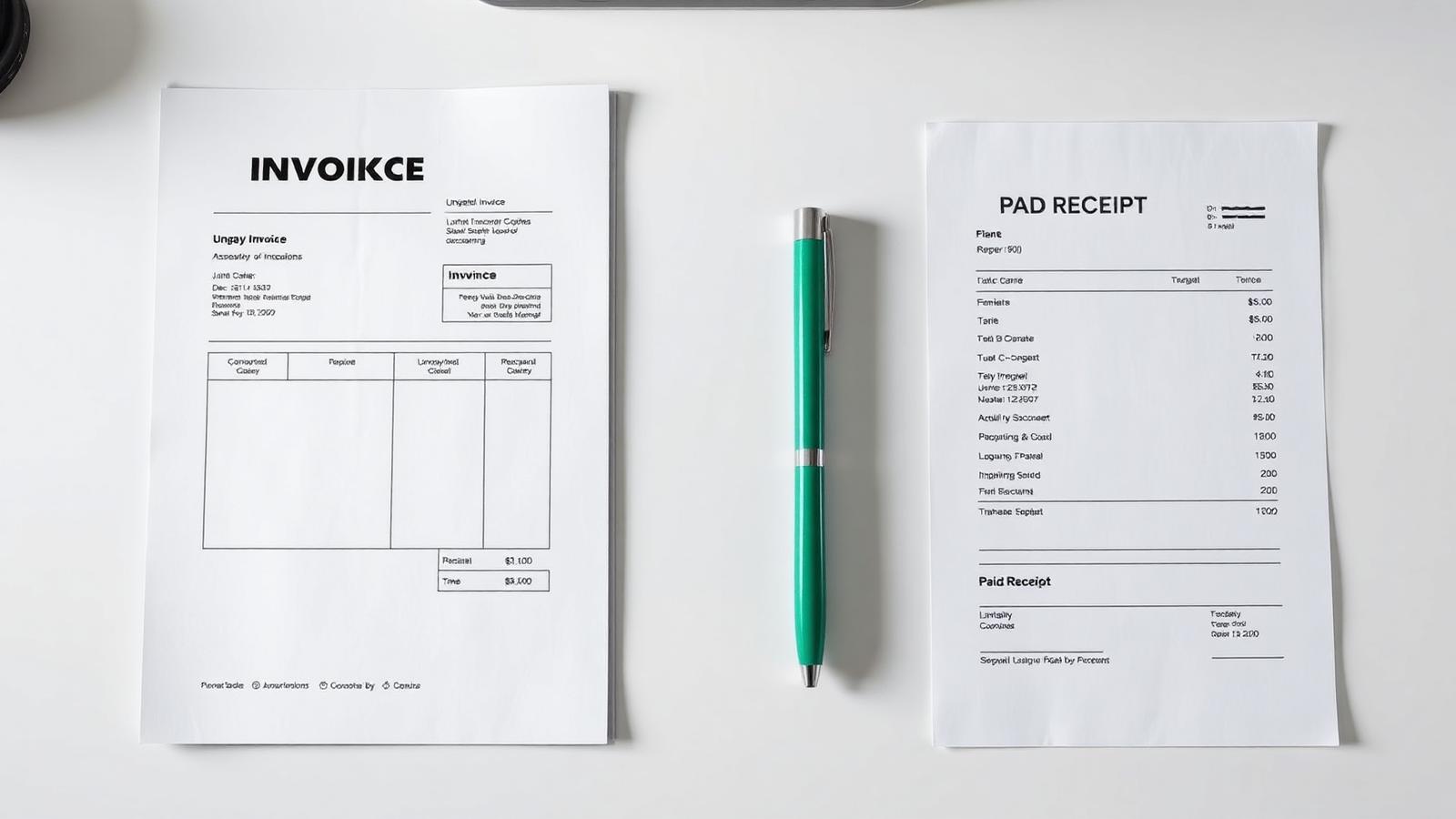
Invoice vs Receipt: The Difference, With Examples
An invoice asks for money; a receipt confirms it arrived. Getting the two mixed up confuses your client, your accountant, and eventually the tax office.
Credit Note vs Invoice: When to Issue One (With Examples)
A credit note is the accounting world's undo button — but only if you use it correctly. Here's when to issue one and what has to be on it.